Friendly free drawing for everyone
FireAlpaca is a free, feature-packed, useful, and easy-to-use image editor that’s been embraced by artists worldwide for its lightweight feel and straightforward tools. It offers features like layers, brushes, selection tools, and filters, making it a solid entry‑level option for aspiring digital artists, illustrators, and hobbyists without the cost of premium software.
Top Recommended Alternative
FireAlpaca comes with a range of tools to edit, print, and optimize images. The lightweight tool runs smoothly on multiple versions of Windows and doesn’t affect system resources. For those looking for a free alternative editor, this app is a good way to start drawing digitally.
Brushes unleashed
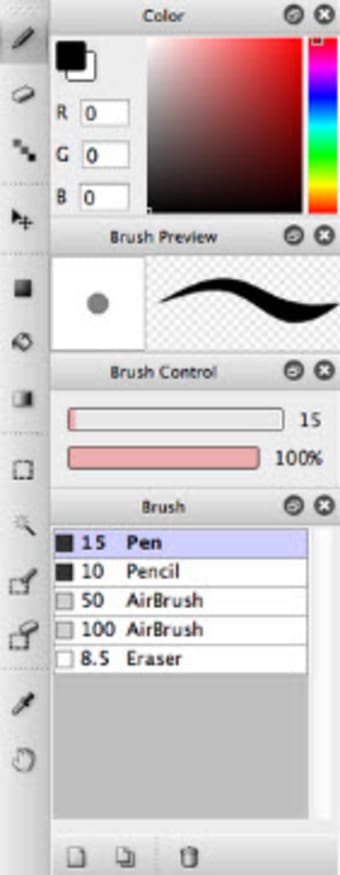
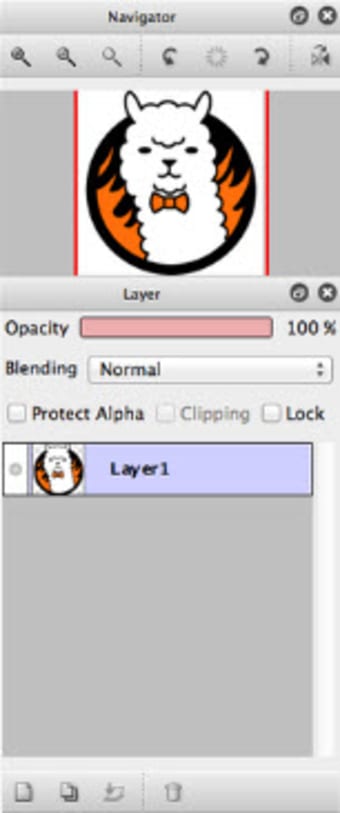
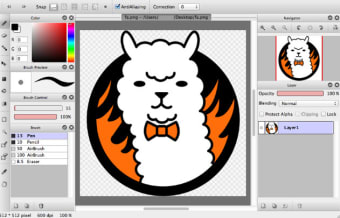
FireAlpaca is a basic photo editor, but it still comes with all the standard features expected in an image editor. These include a color picker, filters, effects, and layers. If you’re looking for a free multimedia tool as an alternative to a heavy-duty app, FireAlpaca is a good option. Its simple interface and customizable keyboard shortcuts also help artists streamline their workflow without needing a huge learning curve.
What makes this editor appealing is its range of brushes and customization options, including analog‑style, watercolor, and pencil brushes that can be tweaked to fit your style. Users can also control layers, blending modes, and tools like mesh deformation, gradient maps, lasso fill, and perspective guides to craft complex pieces. It supports various file formats (JPEG, PNG, PSD, BMP, TIFF, etc.), which helps in working with other programs or sharing artwork easily.
Simplicity at its finest
FireAlpaca doesn’t impress with flashy graphics or UI flair, but its simple, utilitarian design helps keep focus on creativity rather than distraction. Compared to other free tools like MyPaint or MediBang Paint, this app holds its own with powerful brushes and ease of use, though it may lack broader tools like extensive animation support or plugin ecosystems. It also doesn’t have a mobile version, which limits on‑the‑go drawing.
This painter still receives regular and notable improvements like continuous time‑lapse recording with an on‑screen icon, advanced onion‑skin options for animation loops, and the ability to specify the number of frames visible in onion skin mode which makes animation workflows more intuitive. Crucially, these updates also brought ARM Windows installation support, expanding compatibility with newer hardware. Regular fixes and tweaks to brushes, blending, and layer tools throughout its lifetime demonstrate ongoing development and refinement.
A solid free drawing tool for beginners
FireAlpaca stands out as a lightweight yet capable drawing app, offering essential tools, customizable brushes, and smooth performance ideal for beginners and hobbyists stepping into digital art. Its ongoing updates, format support, and ease of use make it a reliable creative companion without cost barriers. While it lacks more advanced animation features and a mobile version, it remains a practical choice for artists who value simplicity, flexibility, and accessibility.








.png)